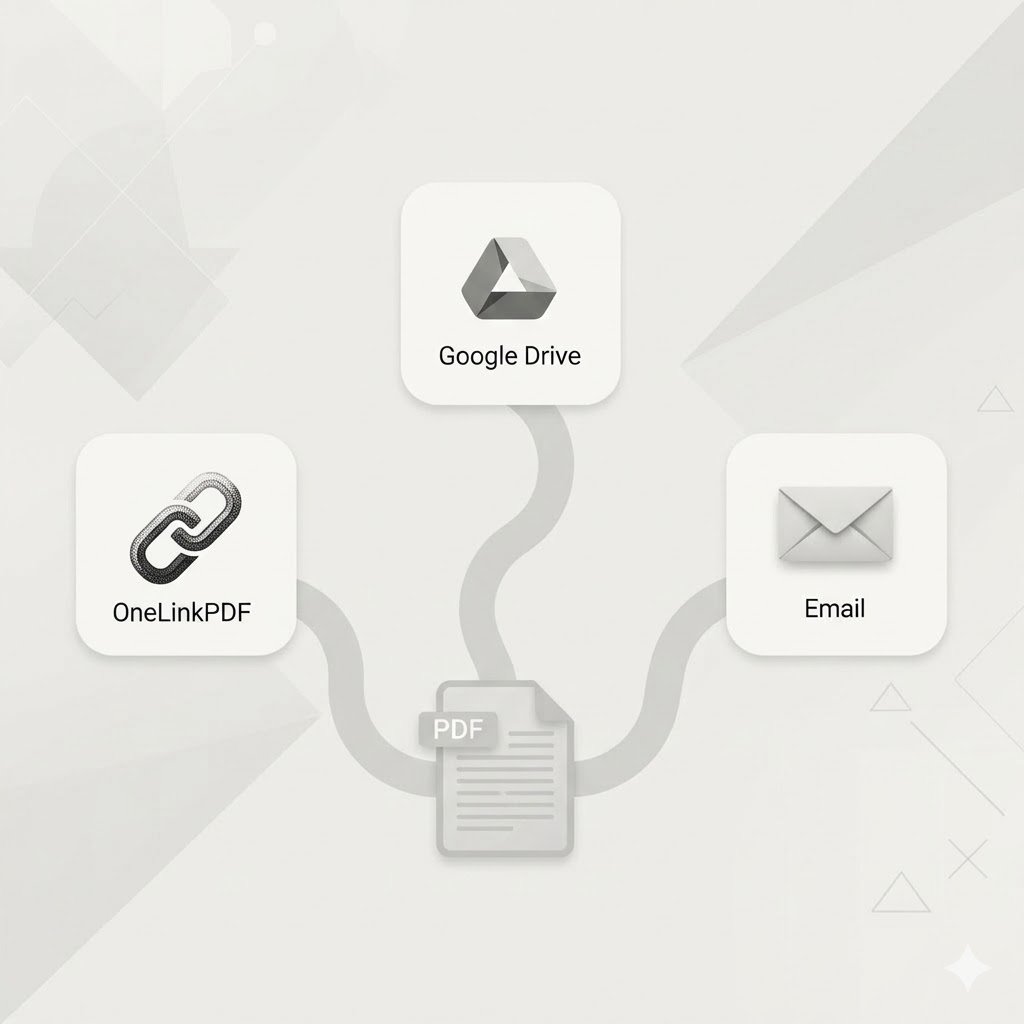
In a world where we constantly share documents—from resumes and reports to e-books and presentations—the humble PDF remains the universal standard. But sharing them? That often feels stuck in the past. Attaching files to emails hits size limits, and cloud storage links can be clunky and require downloads.
What if there was a better way? A tool designed specifically for PDFs that is fast, elegant, and incredibly user-friendly. Enter OneLinkPDF.com.
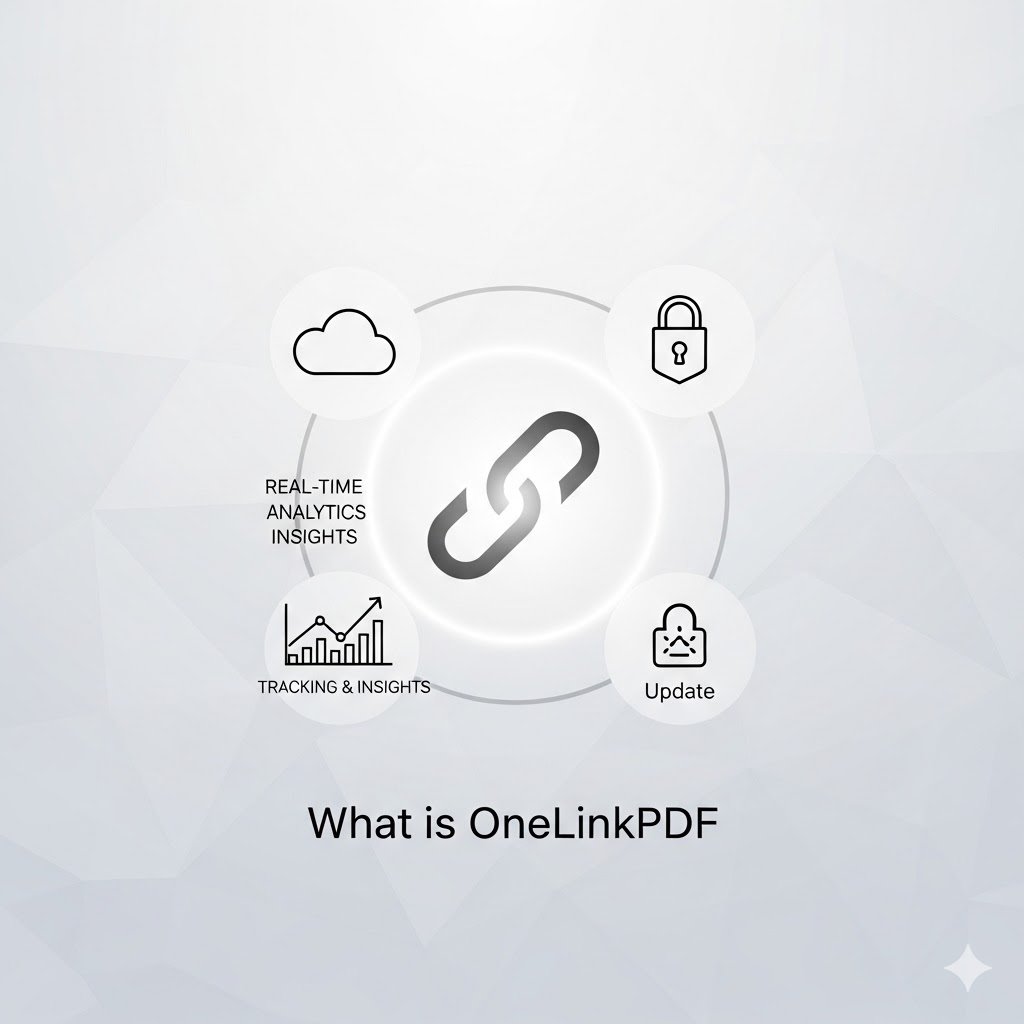
So, What Exactly is OneLinkPDF.com?
OneLinkPDF.com is a free, web-based tool that solves one problem perfectly: it gives you a single, clean URL to share any PDF document.
Instead of uploading your file to a generic file-hosting service or your Google Drive, you use OneLinkPDF.com. The platform stores your PDF and generates a unique link (e.g., onelinkpdf.com/abc123). You then share this link with anyone who needs to view your document. It’s that simple.
How Does It Work? The Magic in Three Steps
The beauty of OneLinkPDF.com lies in its breathtaking simplicity:
-
Upload: Go to the website and drag-and-drop your PDF file into the upload box, or click to browse your computer. There’s no need to create an account or log in.
-
Share: The platform instantly generates a short, unique URL for your document. Copy it with a single click.
-
View: Anyone with the link can view your PDF directly in their modern web browser. There are no downloads required unless they choose to.
Key Features and Benefits: Why You Should Use It
While the concept is simple, the benefits are powerful:
-
No Downloads Required: Recipients can read the PDF seamlessly in their browser, which is perfect for quick views on mobile devices or when someone doesn’t want to clutter their downloads folder.
-
It's Completely Free: The core service of uploading and sharing is 100% free to use, with no hidden fees or subscriptions.
-
Zero Registration Needed: Privacy is respected. You can use the service immediately without handing over any personal information or creating a password.
-
Fast and Lightweight: The website is designed to be minimal and fast. You upload and get your link in seconds, without any distracting ads or bloated features.
-
Universal Access: Since it works in any modern browser, anyone on any device (phone, tablet, laptop) can access your PDF instantly.
Perfect Use Cases: When to Use OneLinkPDF.com
This tool is a game-changer for many everyday situations:
-
Job Seekers: Share your resume with a clean, professional link instead of a bulky attachment. Perfect for LinkedIn profiles or email signatures.
-
Students and Teachers: Distribute reading materials, syllabi, or project guidelines without needing everyone to have a specific cloud account.
-
Freelancers and Consultants: Send proposals, invoices, or reports to clients with a link that works instantly on any device.
-
Small Businesses: Share menus, brochures, catalogs, or instruction manuals with customers.
-
Quick & Temporary Sharing: Need to share a document for a short period? This is often faster than configuring sharing permissions in a cloud drive.
Is My Data Secure?
OneLinkPDF.com is designed for public sharing. The links are not publicly listed or searchable, but anyone with the exact URL can view the document. Therefore, it is not intended for sharing highly sensitive, confidential, or private documents (like contracts with personal information). Always use encrypted email or secure client portals for that purpose.
The Verdict
OneLinkPDF.com isn't trying to be another feature-packed, all-in-one document suite. It excels by doing one thing exceptionally well: providing a dead-simple, no-fuss way to get your PDF in front of someone else's eyes.
It removes friction from the sharing process, making life easier for both the sender and the recipient. For quick, public, or professional PDF sharing, it’s an invaluable tool to have in your digital toolkit.
Ready to simplify your sharing? Head over to OneLinkPDF.com and try it for yourself