How to Share a Password-Protected PDF in Under a Minute
Need to share a confidential report, a private contract, or an internal document — but worried about who might see it? Password-protecting a PDF used to require paid software like Adobe Acrobat. Not anymore.
The Old Way (Painful)
- Open Adobe Acrobat (if you even have it)
- Navigate to "Protect PDF" settings
- Set a password and re-export the file
- Email it as an attachment
- Email the password separately
- Hope they can actually open it
The New Way (30 Seconds)
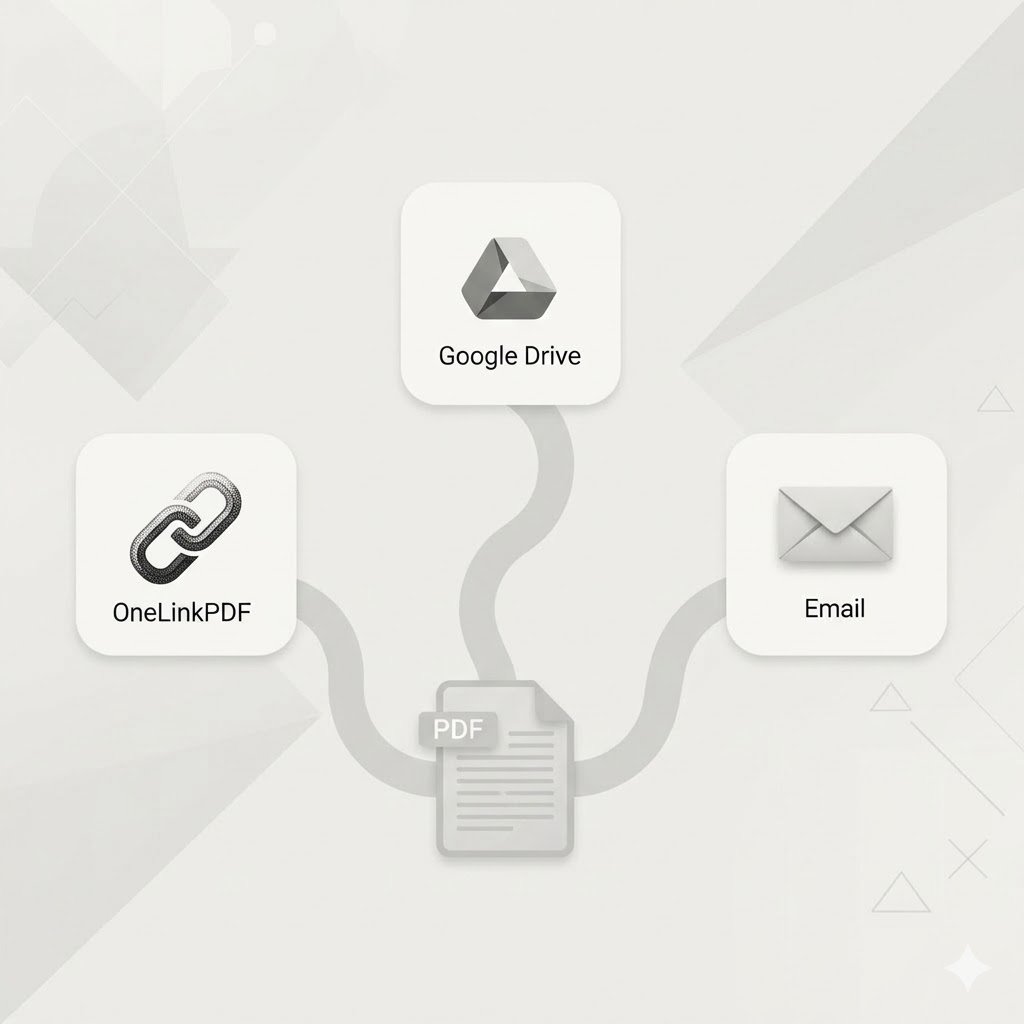
- Upload your PDF to OneLinkPDF
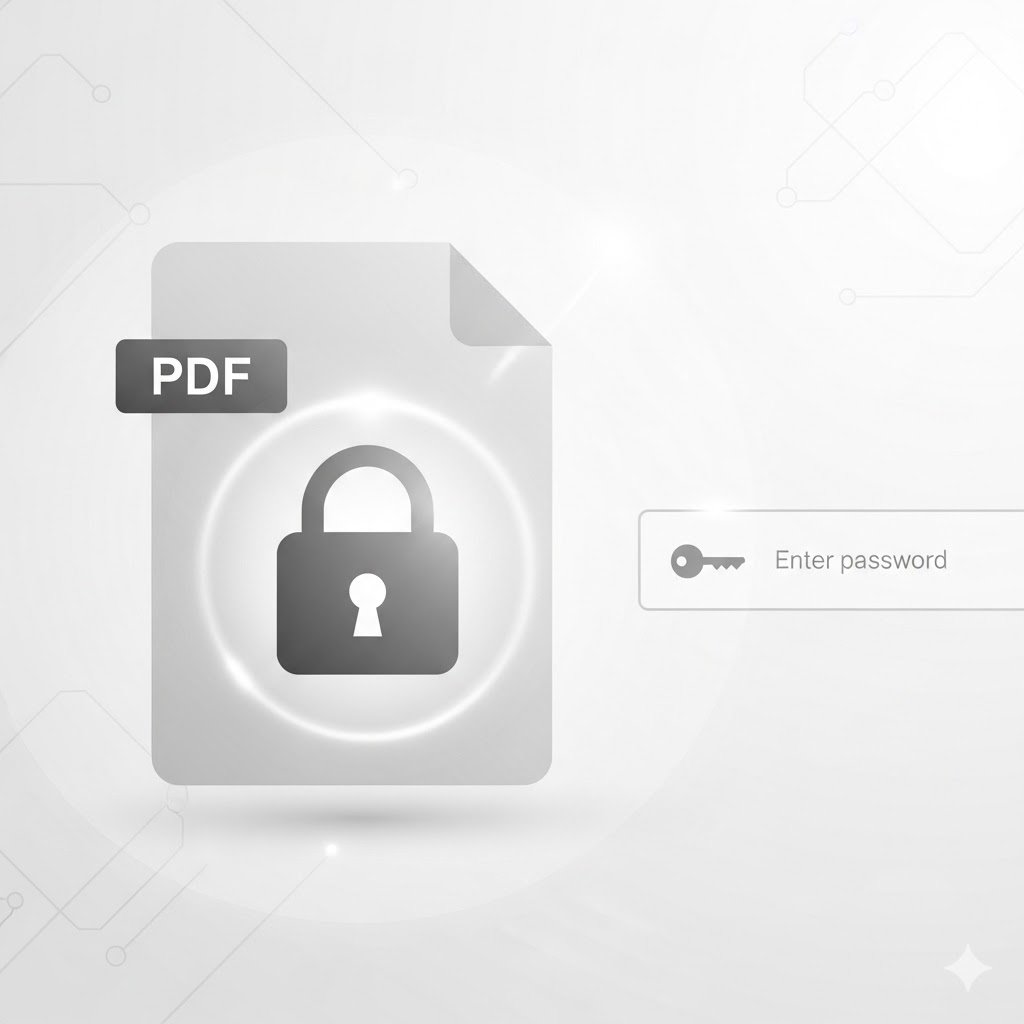
- Enable password protection from your dashboard
- Share the link and tell the recipient the password
Your file is encrypted at the server level using AES-256-GCM encryption — the same standard banks use. Nobody can access your file without the key.
Who Needs This
- HR teams sharing offer letters or salary slips
- Lawyers sharing case documents with clients
- Accountants sharing financial reports
- Educators sharing exam papers before the test
Protect your documents today. Start free on OneLinkPDF →