Google Drive vs Email vs OneLinkPDF: Which Should You Use to Share PDFs?
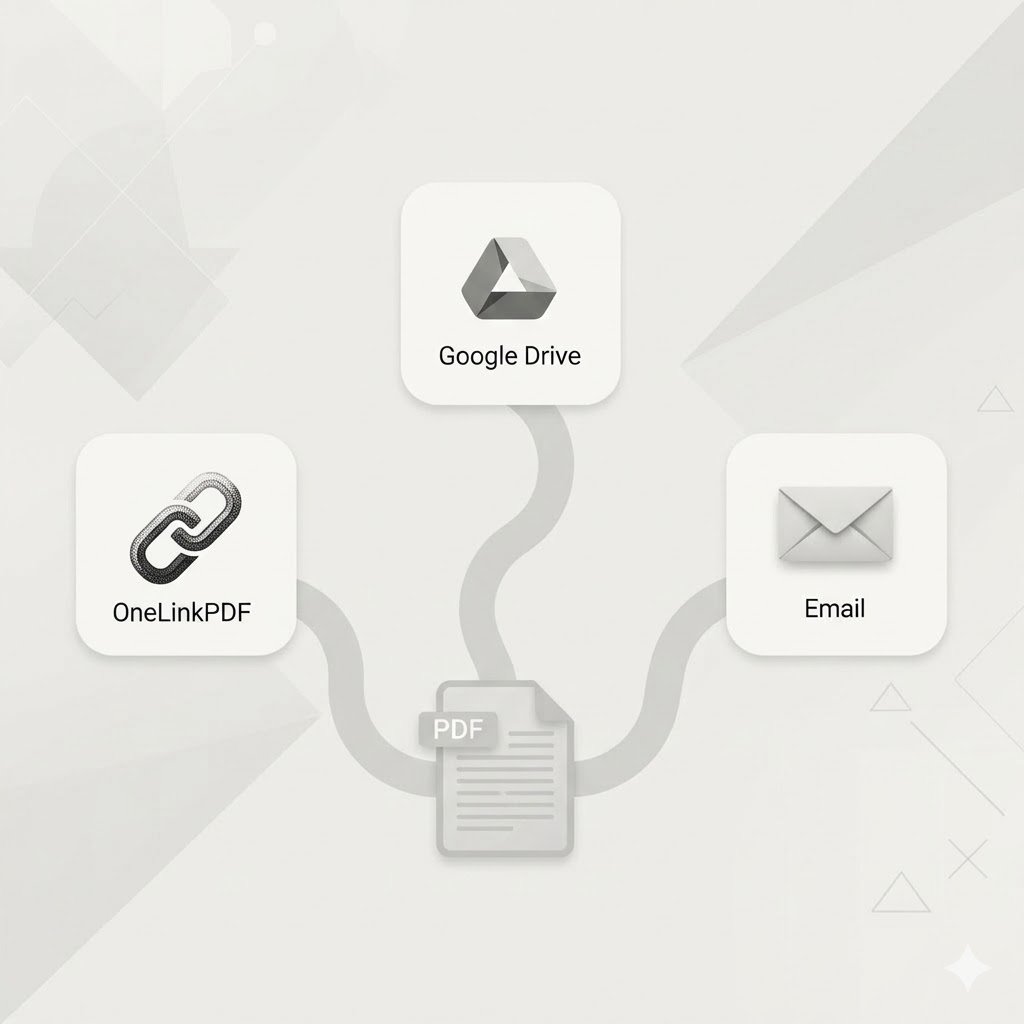
There are dozens of ways to share a PDF. But which one is actually best? We compared the three most common methods so you can make the right call for your situation.
The Side-by-Side Comparison
| Feature | Email Attachment | Google Drive | OneLinkPDF |
|---|---|---|---|
| File size limit | 25MB cap | 15GB | Large files supported |
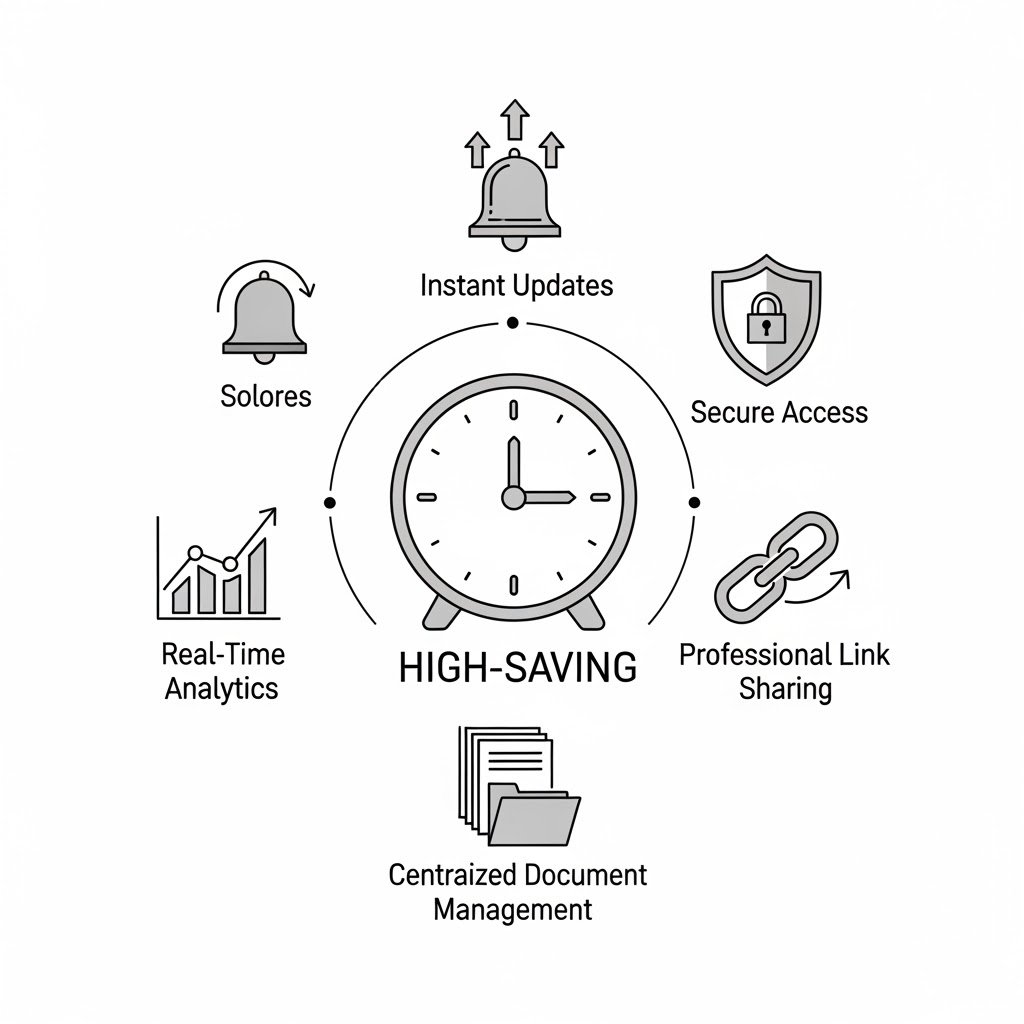
| View tracking | No | Basic | Yes — real-time |
| Password protection | No | Limited | Yes — built-in |
| Recipient needs account | No | Often yes | No |
| File encryption | No | No | AES-256-GCM |
| Update file, same link | No | Yes | Yes |
When to Use Each
- Email attachment — Quick internal shares, tiny files, no security concerns
- Google Drive — Team collaboration, large storage, when recipients need to edit
- OneLinkPDF — Secure external sharing, client-facing documents, when you need to know it was viewed
The Bottom Line
For sharing PDFs with clients, customers, or anyone outside your organization — OneLinkPDF gives you security, tracking, and simplicity that email and Drive simply cannot match.
Getting Started in 60 Seconds
- Visit onelinkpdf.com
- Create a free account (no credit card needed)
- Upload your first PDF and copy the link
- Share it anywhere
Try it yourself right now — it's free. Create your OneLinkPDF account →