5 Ways Teams Use OneLinkPDF to Work Faster
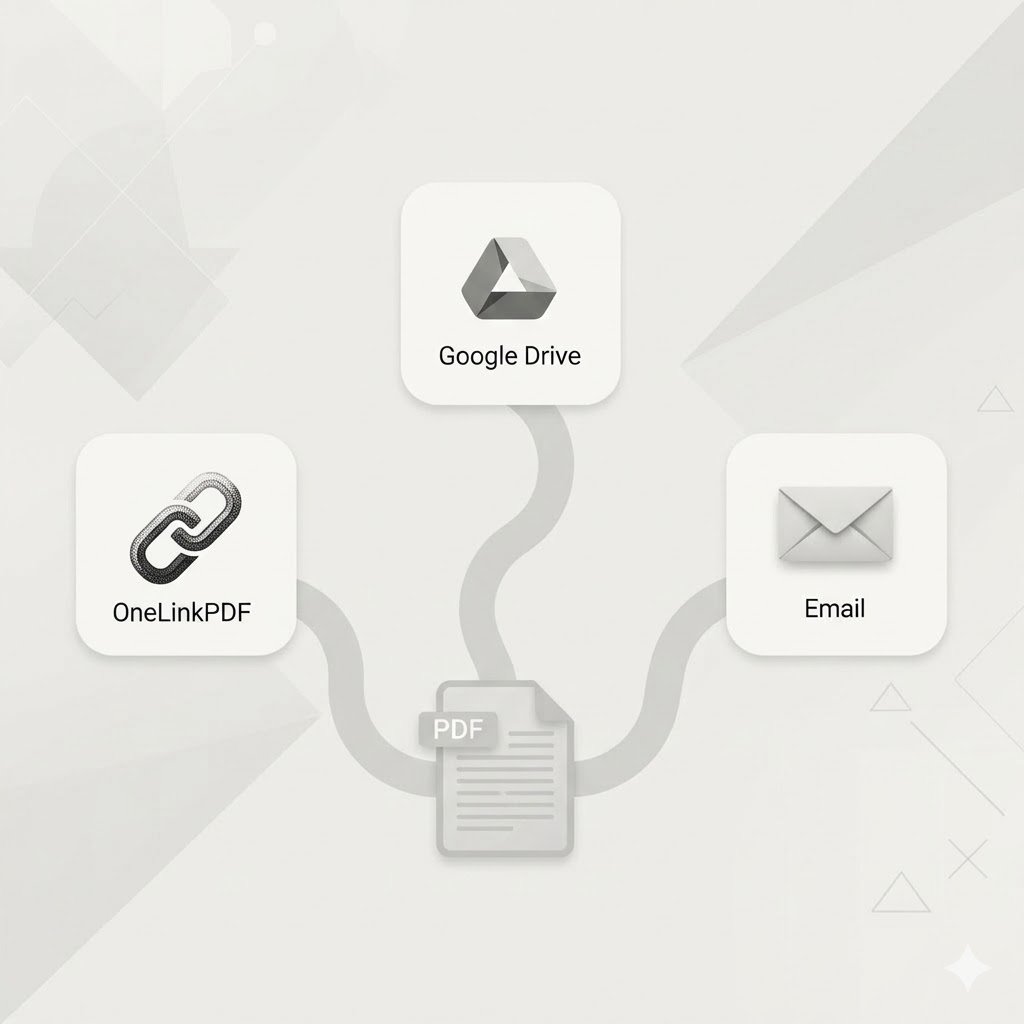
PDF chaos is real. Files in email threads, on WhatsApp, in Slack, in Google Drive — and nobody knows which is the latest version. Here's how modern teams use OneLinkPDF to cut through that noise.
1. One Link, Always Current
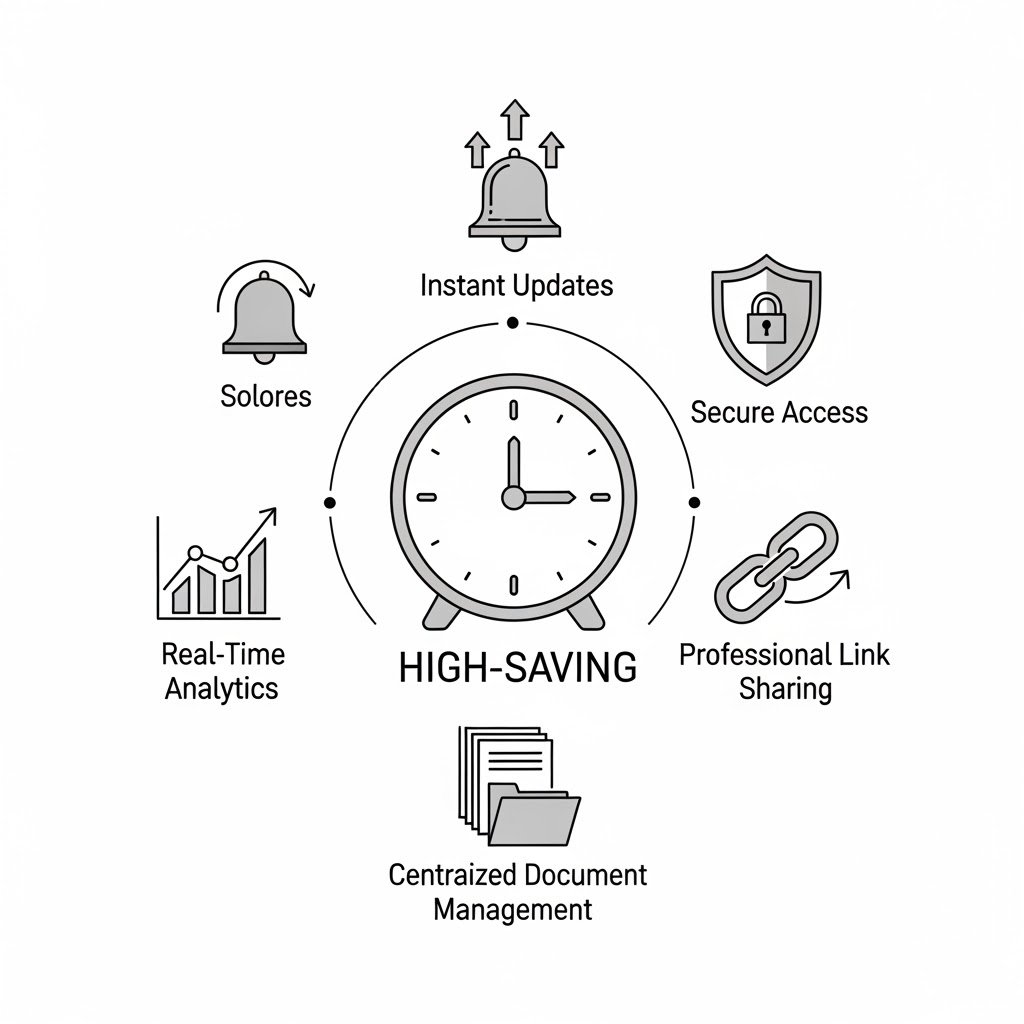
Upload the document once. When it updates, replace the file — the link stays the same. No more "please ignore my last email."
2. Share Instantly — No Login Required for Recipients
Your client doesn't need an account to view your PDF. They just click the link. No sign-up friction, no app to install.
3. Know When Documents Are Viewed
See view analytics on every document. Know if your proposal was opened. Follow up at exactly the right time — not too early, not too late.
4. Centralized Document Library
All your shared PDFs in one dashboard. Find any document in seconds instead of digging through endless email threads.
5. Military-Grade Security
Every file is encrypted with AES-256-GCM. Your confidential documents stay confidential — even on our servers.
Getting Your Team Started
- Admin creates an account at onelinkpdf.com
- Upload team documents to the dashboard
- Share links via Slack, email, WhatsApp — anywhere you already work
No migration. No training. Works with your existing workflow from day one.
Make your team more productive. Sign up free →