How Smart Freelancers Share Proposals, Contracts & Invoices Without the Chaos
As a freelancer, your documents are your business. Proposals win clients. Contracts protect you. Invoices get you paid. But if you're still emailing these as attachments — you're leaving money, security, and professionalism on the table.
Why Freelancers Love Secure PDF Links
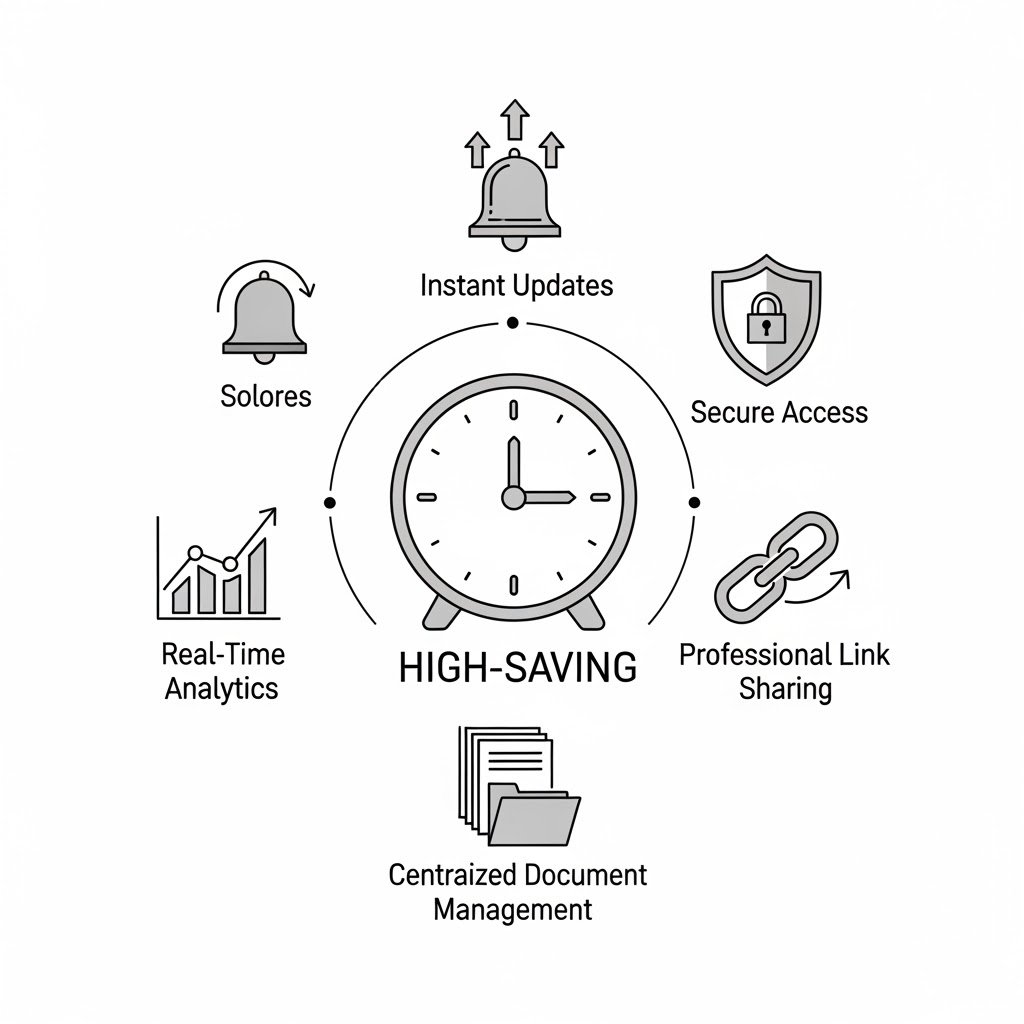
- Send a proposal link instead of an attachment — looks more professional
- Know exactly when the client opened your quote (negotiate smarter)
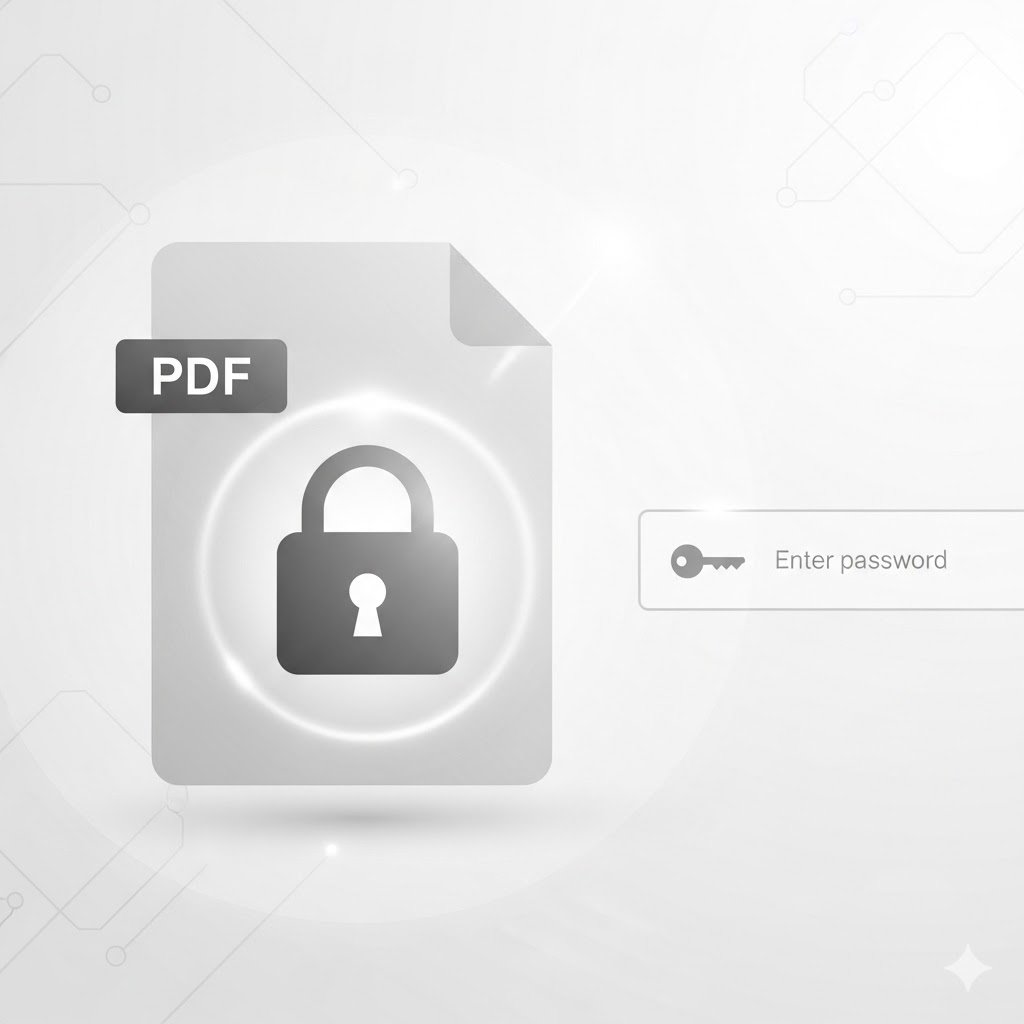
- Password-protect sensitive contracts — only your client can open it
- One link, always updated — no "which version is this?" confusion
Real Scenario
You send a proposal. Two days pass. The client says "I haven't received it." With OneLinkPDF, you know if they opened it or not — because you can see the view count in real time.
Getting Started in 3 Steps
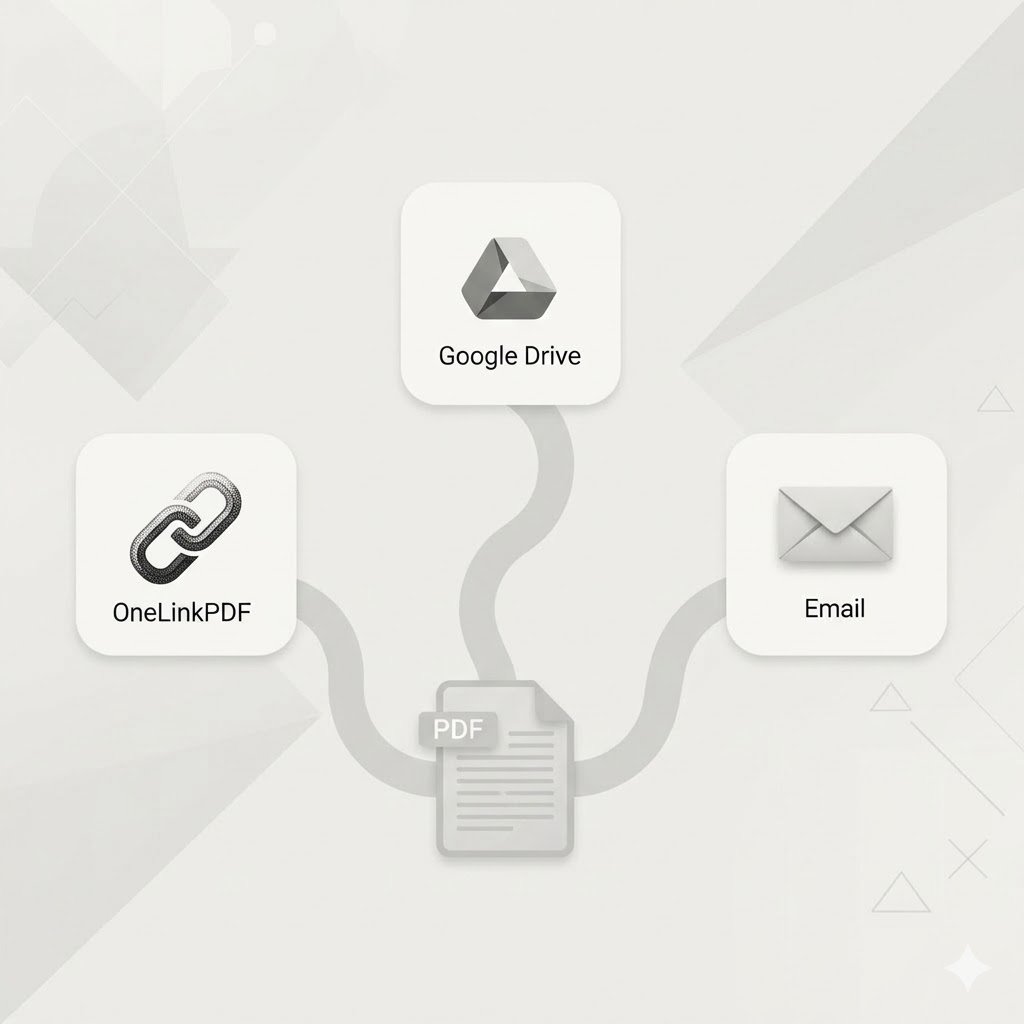
- Upload your proposal PDF on OneLinkPDF
- Copy the generated link
- Paste it in your email or WhatsApp message
That's it. No app to install. No training needed.
Join thousands of freelancers who share smarter. Try OneLinkPDF free →