Why Sending PDF Attachments is Killing Your Productivity
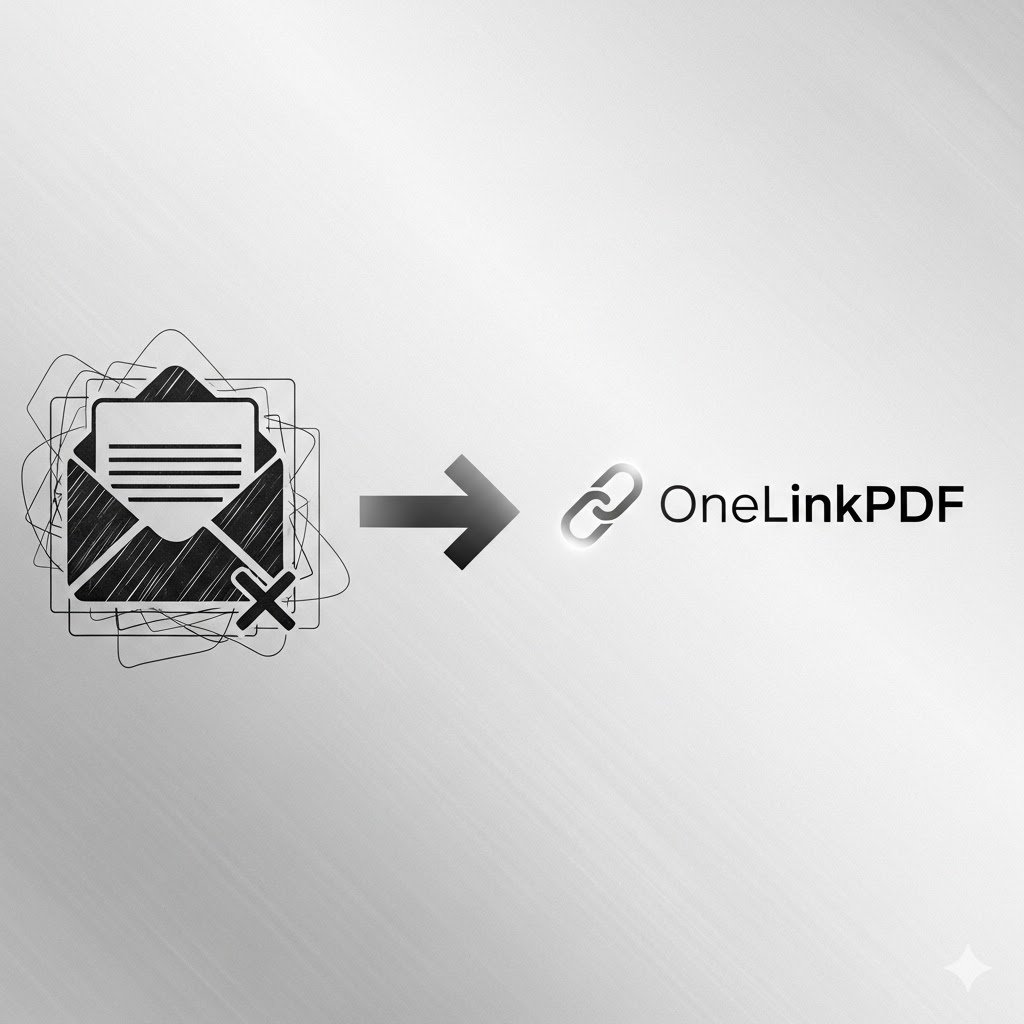
You've done it a hundred times. You attach a PDF to an email, hit send, and then... the client replies: "File too large, can you compress it?" Or worse, they forward it to someone who shouldn't have it. Sound familiar?
There's a smarter way to share PDFs in 2026 — and it takes less than 30 seconds.
The Problem with Email Attachments
- Gmail and Outlook cap attachments at 25MB
- You lose control the moment you hit "Send"
- No way to know if anyone actually opened it
- Sending updates means sending a whole new email thread
The Fix — OneLinkPDF
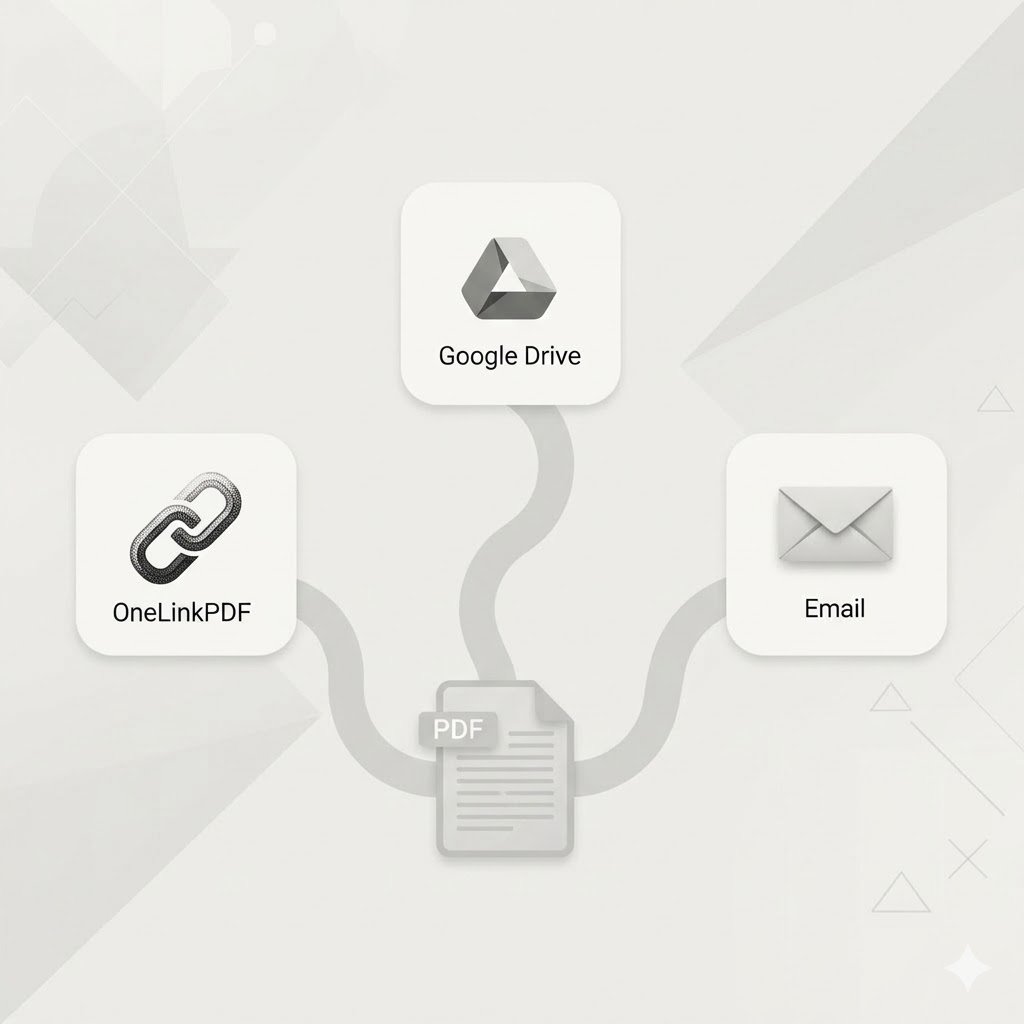
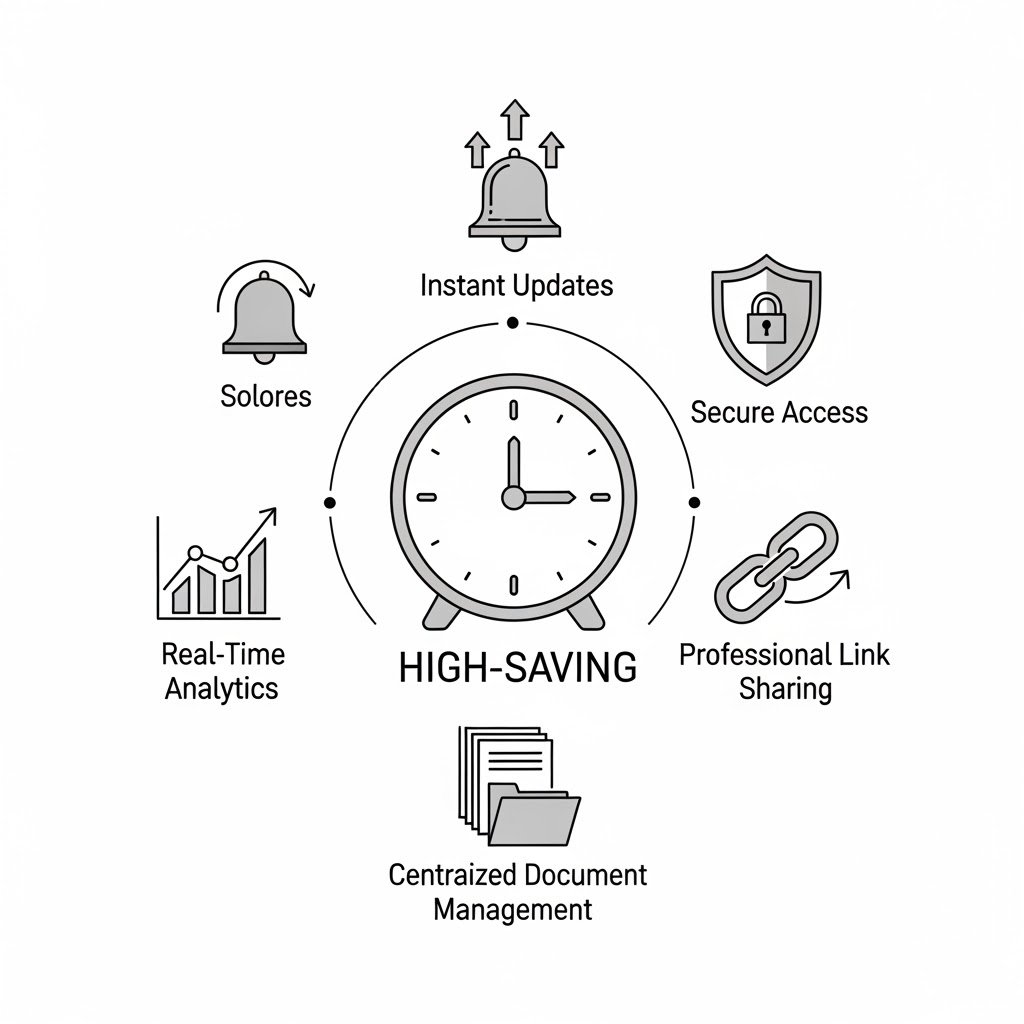
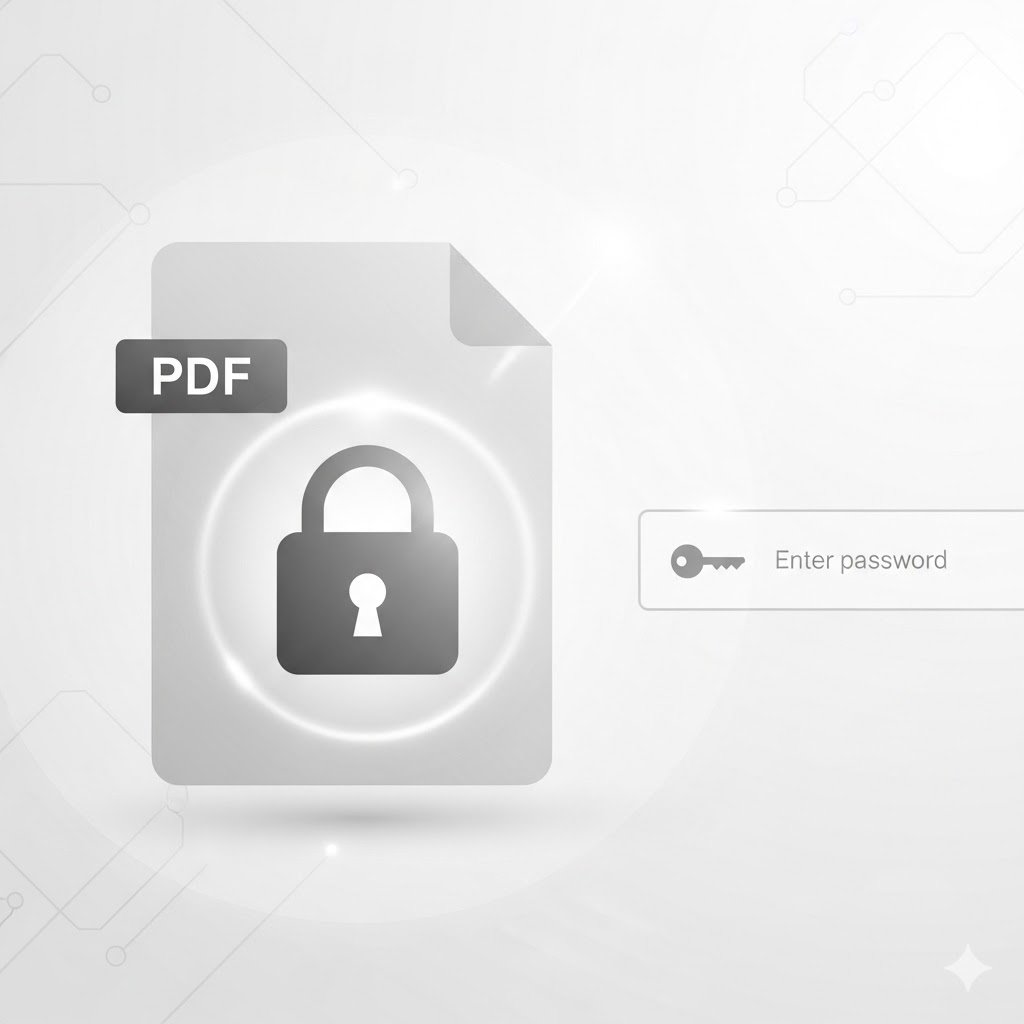
With OneLinkPDF, you upload your PDF once and get a secure, shareable link instantly. Share that link via email, WhatsApp, or SMS. Update the file without changing the link. See exactly who opened it and when.
How to Get Started
- Go to onelinkpdf.com
- Create a free account
- Upload your PDF — get a link in seconds
- Share the link anywhere
Ready to stop wrestling with email attachments? Create your free OneLinkPDF account →