Every day, millions of PDFs are shared through email attachments, WhatsApp messages, and Google Drive links. And every day, thousands of those documents end up in the wrong hands. Someone forwards your proposal to a competitor. A client downloads your pricing sheet and shares it on a group chat. A contract gets screenshotted and posted somewhere it was never meant to be. The moment you attach a PDF to an email and hit send, you lose all control over it.
That is exactly why more professionals are switching to secure PDF links instead of traditional attachments. A secure PDF link lets you share your document through a simple URL while keeping full control over who can view it, whether they can download it, when the link expires, and even tracking exactly who opened it and for how long.
In this guide, you will learn step by step how to share a PDF as a secure link, what security settings to configure, and how to track viewer engagement after sharing.
Why Email Attachments Are a Problem for PDF Sharing
Before we get into the how, let us talk about why the old way of sharing PDFs is broken. When you send a PDF as an email attachment, several things can go wrong that most people never think about until it is too late.
First, there is zero visibility. Once you hit send, you have no idea whether the recipient actually opened your document, skimmed through it in thirty seconds, or never looked at it at all. If you are sending a sales proposal or a consulting report, this blind spot can cost you real money because you have no idea when to follow up or whether your prospect is even interested.
Second, email attachments are permanent. The recipient can download your file, save it locally, forward it to anyone, or upload it somewhere public. You cannot revoke access, you cannot update the document after sending, and you definitely cannot delete it from their inbox once it is there.
Third, large PDFs often bounce. Many email providers cap attachments at 10 to 25 MB. If your document has high-resolution images, charts, or detailed layouts, it might not even reach the recipient. You end up compressing the quality or splitting the file, which makes you look unprofessional.
Pro Tip: If you are still attaching PDFs to emails, at least check whether your recipients are actually opening them. Better yet, switch to a link-based approach so you never have to wonder again.
What Exactly Is a Secure PDF Link?
A secure PDF link is a web URL that opens your PDF document in a browser-based viewer with built-in access controls. Instead of sending the actual file, you send a link. The recipient clicks the link, views the document in their browser, and you stay in control the entire time.
The key difference between a secure PDF link and a regular Google Drive or Dropbox link is the level of control you get. With a secure PDF link, you can enforce view-only mode so the reader cannot download or print the file. You can add dynamic watermarks that stamp the viewer's email or IP address onto every page, making unauthorized screenshots traceable. You can set an expiration date so the link automatically stops working after a certain time. And you can require a password before anyone can open the document.
Think of it like this: an email attachment is like handing someone a photocopy of your document and walking away. A secure PDF link is like inviting them into a controlled reading room where you decide the rules.
Step 1 — Upload Your PDF to a Secure Sharing Platform
The first thing you need is a platform that supports secure PDF hosting with access controls. Tools like OneLinkPDF let you upload your document and instantly generate a shareable link with security settings built in.
When uploading, make sure you are using the final version of your document. Double-check the file name because some platforms display it to the viewer. Remove any internal comments, tracked changes, or metadata that should not be visible to the recipient. A clean, professional document builds trust from the first click.
Most platforms support drag-and-drop uploading, so the process takes less than a minute. Once uploaded, the platform processes your PDF for browser-based viewing, generates thumbnails, and in some cases runs OCR so that scanned documents become searchable.
Pro Tip: Always name your file something professional and descriptive like "Q2-Marketing-Proposal-ClientName.pdf" instead of "final_v3_edited_LAST.pdf." The file name is often the first thing your recipient sees.
Step 2 — Configure Your Security Settings
This is the most important step and the one that separates secure sharing from simply dumping a file on the internet. Before you generate your shareable link, configure these security settings based on how sensitive your document is.
View-only mode prevents the recipient from downloading or printing your PDF. They can read it in the browser, scroll through every page, and zoom in, but they cannot save a local copy. This is essential for pricing documents, proposals, and any content you do not want redistributed.
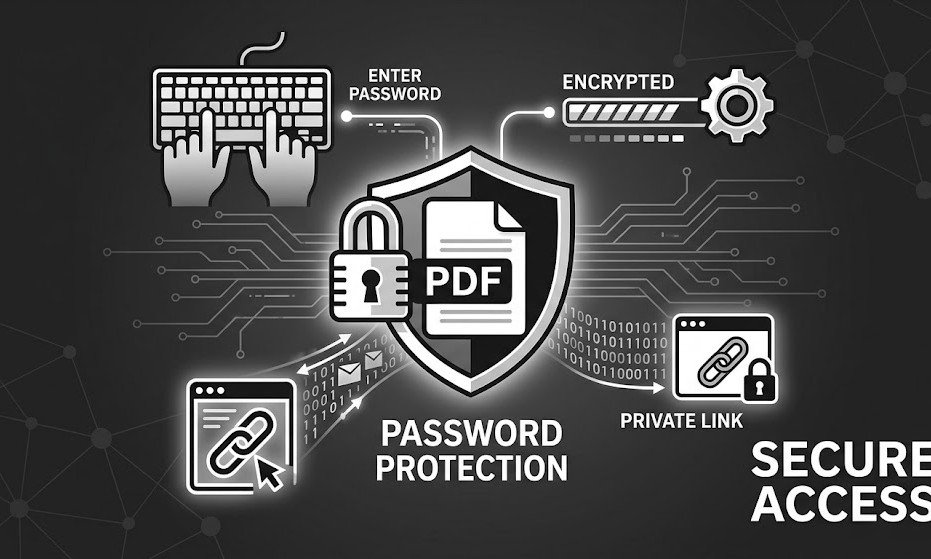
Password protection adds another layer of security by requiring a password before the document opens. This is useful when you are sharing via channels where the link might be visible to others, like a Slack channel or an email thread with multiple people copied in.
Link expiration automatically disables the link after a set date or number of views. If you are sharing a time-sensitive offer, a limited-period contract, or early-access content, expiration ensures the document is not accessible forever.
Dynamic watermarking stamps the viewer's identity onto every page. If someone takes a screenshot or tries to photograph the screen, the watermark traces back to them. This is particularly popular in legal, finance, and real estate industries where document leaks can have serious consequences.
Domain and IP restrictions let you limit access to specific company domains or IP addresses. This way, even if someone shares your link externally, it will not open outside the approved network.
Pro Tip: For most business documents, enabling view-only mode plus link expiration gives you a solid baseline of security without making the viewing experience inconvenient for your recipient.
Step 3 — Enable Viewer Tracking and Analytics
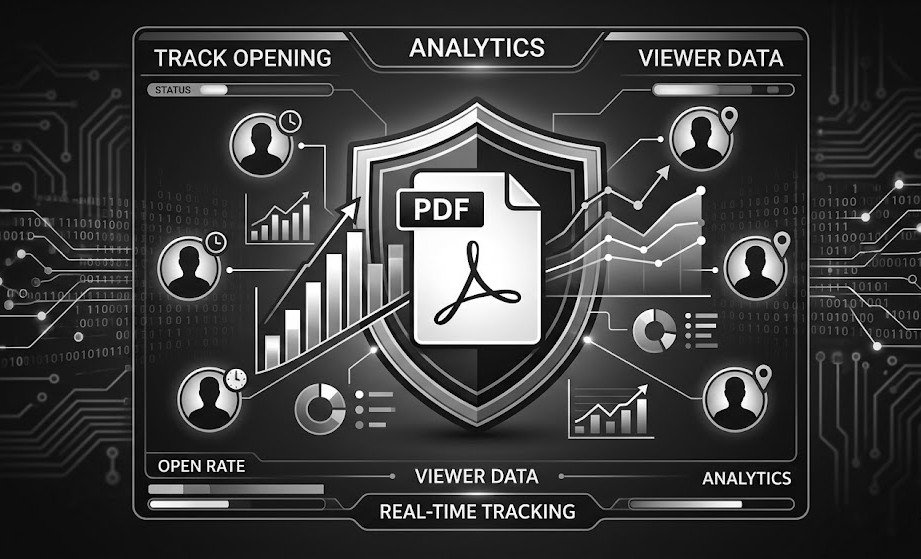
One of the biggest advantages of sharing PDFs as secure links is the ability to track viewer engagement. Unlike email attachments where you are completely blind after sending, a secure PDF link gives you detailed analytics on how your document is being consumed.
Good tracking tools will show you when the document was opened, how many times it was viewed, how long the viewer spent on each page, what device and browser they used, and their approximate geographic location. Some platforms even show you which pages got the most attention and which were skipped entirely.
This data is incredibly valuable in a sales context. If you send a proposal and see that the prospect spent eight minutes on the pricing page but skipped the case studies section, you know exactly what to address in your follow-up call. If the document was never opened, you know to resend or try a different channel rather than waiting in silence.
For consulting firms and agencies, viewer tracking also serves as proof of delivery. You can demonstrate that the client received and reviewed the deliverable, which protects you in case of disputes.
Step 4 — Share Your Secure Link
Once your security settings and tracking are configured, copy the generated link and share it through whatever channel works best for your situation. You can paste it into an email body, send it via WhatsApp or Slack, embed it on your website using an iframe, include it in a LinkedIn message, or even generate a QR code for offline sharing at events or printed materials.
The beauty of link-based sharing is that it works everywhere. Unlike attachments that might bounce, get blocked by spam filters, or exceed size limits, a link is just a URL. It loads instantly, works on every device, and does not clog up anyone's inbox.
If you need to update the document after sharing, many platforms let you replace the underlying PDF without changing the link. Your recipients still use the same URL but now see the updated version. No more emailing "please disregard the previous attachment" or sending v2, v3, and v4 of the same file.
Pro Tip: When sharing via email, do not just paste a raw URL. Add a one-line context like "Here is the proposal for your review — the link is active for 7 days" so the recipient knows what they are clicking and that there is a deadline.
Who Benefits Most from Secure PDF Link Sharing?
Secure PDF sharing is not limited to any single industry. Sales teams use it to share proposals and track which prospects are actually engaged. Consulting firms use it to deliver client reports with proof of receipt. Real estate agents share property brochures with lead capture gates so they know exactly who is interested. Freelancers send invoices and contracts with download restrictions to prevent unauthorized forwarding. Course creators and coaches share premium educational content behind password-protected links. Legal professionals share confidential documents with watermarking and expiration to maintain compliance.
In each of these cases, the secure link approach solves the same fundamental problem: it lets you share information while keeping control, visibility, and professionalism intact.
Common Mistakes to Avoid When Sharing PDFs
Even with the right tools, there are a few mistakes that can undermine your document security. The most common one is forgetting to set an expiration date. If you share a pricing proposal with a link that never expires, that pricing information could be accessed months or years later, long after your rates have changed.
Another frequent mistake is using public cloud storage links and calling it "secure sharing." A standard Google Drive link with "anyone with the link can view" is not secure. Anyone who gets that URL can access it, forward it, and download it without any restrictions or tracking. The same goes for public Dropbox and OneDrive links.
Not tracking opens is another missed opportunity. If you are sharing important business documents and not monitoring whether they are being read, you are operating blind. Always enable tracking so you can time your follow-ups based on actual engagement rather than guesswork.
Finally, avoid sharing documents without watermarks when confidentiality matters. A view-only setting prevents downloads, but it does not stop screenshots. A dynamic watermark with the viewer's name or email makes unauthorized screenshots risky for the person taking them.
Pro Tip: Create a simple checklist for yourself — final version uploaded, view-only enabled, expiration set, tracking on, watermark added if sensitive. Run through it every time before hitting share.
Getting Started with Secure PDF Sharing
Switching from email attachments to secure PDF links takes less than five minutes. Upload your document, configure your preferred security settings, and share the link. That is all there is to it. No plugins to install, no software to download, and no learning curve for your recipients — they just click the link and view.
If you have been losing sleep over where your PDFs end up after you send them, or if you have ever wished you could see whether a client actually read your proposal, secure PDF link sharing is the upgrade your workflow needs. The tools exist, they are affordable, and they work with everything you already use.
The question is not whether you can afford to switch. The question is whether you can afford not to.