Why PDF Security Is Essential for Your Private Documents (and How OneLinkPDF Helps Protect Them)
In today’s digital world, sharing documents as PDFs has become standard practice. Businesses, freelancers, educators, and organizations all rely on PDFs to distribute sensitive information. But here’s the truth many people overlook:
A normal PDF is NOT automatically secure.
Without proper protection, your private documents can be copied, edited, forwarded, or even leaked — often without your knowledge.
Let’s understand why PDF security matters and how OneLinkPDF.com can help keep your documents safe.
🚨 Why PDF Security Is Important
1. Protect Confidential Information
Private PDFs often contain:
-
Business proposals
-
Financial reports
-
Client data
-
Contracts and agreements
-
Study materials or premium content
If these files are shared without protection, anyone can:
-
Download them
-
Forward them
-
Copy the content
-
Upload them elsewhere
This can lead to data leaks, revenue loss, and trust issues.
2. Prevent Unauthorized Sharing
One of the biggest problems with regular PDFs is uncontrolled forwarding.
Example:
You send a paid PDF to one customer →
They forward it to 50 people →
You lose control and revenue.
PDF security helps you control who can view your document.
3. Stop Content Copying and Piracy
Many creators and businesses sell:
-
eBooks
-
Reports
-
Training material
-
Premium resources
Without protection, users can:
-
Copy text
-
Take screenshots
-
Download and re-upload
-
Resell your content
Proper PDF protection reduces piracy and protects your intellectual property.
4. Maintain Professional Trust
Clients trust you with their data. If your documents leak, it can damage your reputation.
Secure PDFs show that you:
✅ Take data privacy seriously
✅ Follow best security practices
✅ Protect client information
🔐 Common Risks of Unprotected PDFs
If your PDF is not secured, it is vulnerable to:
-
❌ Free downloading
-
❌ Unlimited sharing
-
❌ Copy–paste of content
-
❌ Unauthorized printing
-
❌ Public redistribution
-
❌ Data leakage
🚀 How OneLinkPDF.com Helps Secure Your Documents
OneLinkPDF is designed to give you smart control over your PDF files — beyond basic password protection.
Here’s how it helps:
✅ Secure Link-Based Access
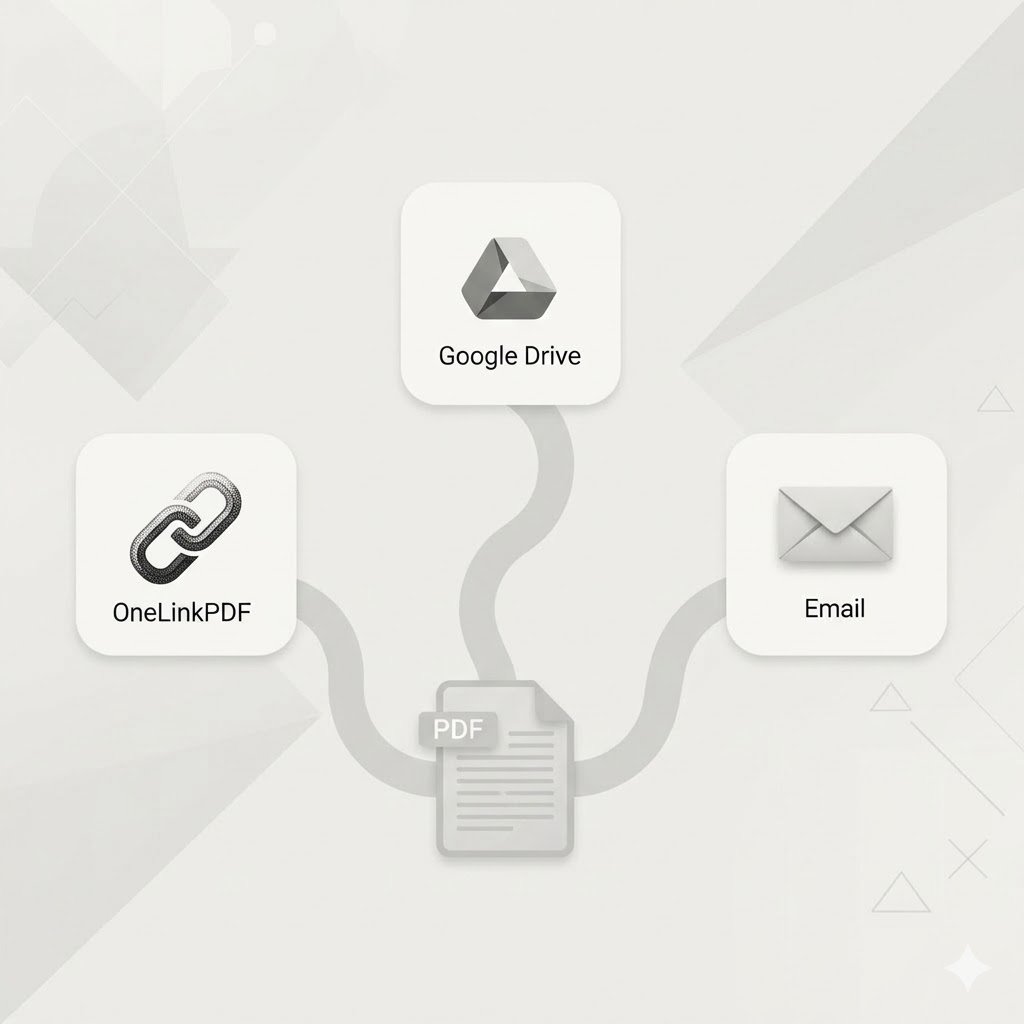
Instead of sending raw PDF files, OneLinkPDF provides controlled access links.
Benefits:
-
No direct file download
-
Access control per user
-
Easy to revoke access
-
Trackable distribution
✅ Disable Download Option
With OneLinkPDF, you can restrict users from downloading the original file.
This helps you:
-
Protect premium content
-
Prevent file leakage
-
Maintain ownership control
✅ Control Printing and Copying
Advanced protection can limit:
-
Copy–paste
-
Printing
-
Right-click saving
This adds another layer of defense for sensitive documents.
✅ Track User Activity
Know what happens after you share your PDF.
You can monitor:
-
Who opened the document
-
When it was accessed
-
Usage behavior
This visibility is critical for business security.
✅ Ideal for Multiple Use Cases
OneLinkPDF is perfect for:
-
📊 Businesses sharing reports
-
📚 Coaches selling courses
-
🏫 Institutes sharing study material
-
💼 Agencies sending proposals
-
📖 Creators selling eBooks
🧠 Best Practices for PDF Security
Even with tools, follow these smart habits:
-
✔ Never share raw sensitive PDFs publicly
-
✔ Use access-controlled links
-
✔ Restrict download when possible
-
✔ Monitor document usage
-
✔ Revoke access when no longer needed
🎯 Final Thoughts
In the digital era, document security is not optional — it’s essential.
If you are sharing private or paid content through normal PDFs, you are taking a risk. A secure document delivery system like OneLinkPDF.com helps you:
✅ Protect confidential data
✅ Prevent unauthorized sharing
✅ Reduce piracy
✅ Maintain professional trust
✅ Control your digital assets
Start protecting your PDFs today with OneLinkPDF.